
Convert Numbers To Roman Numerals
Table of Contents
Turn Arabic numbers into Roman numerals with PicoToolkit
Turn Arabic numbers into Roman numerals with PicoToolkit
Convert integers to Roman numerals instantly. Paste a number, click Convert, and copy the Roman output. The converter runs in your browser and supports large numbers using overline (vinculum) notation.
How to use
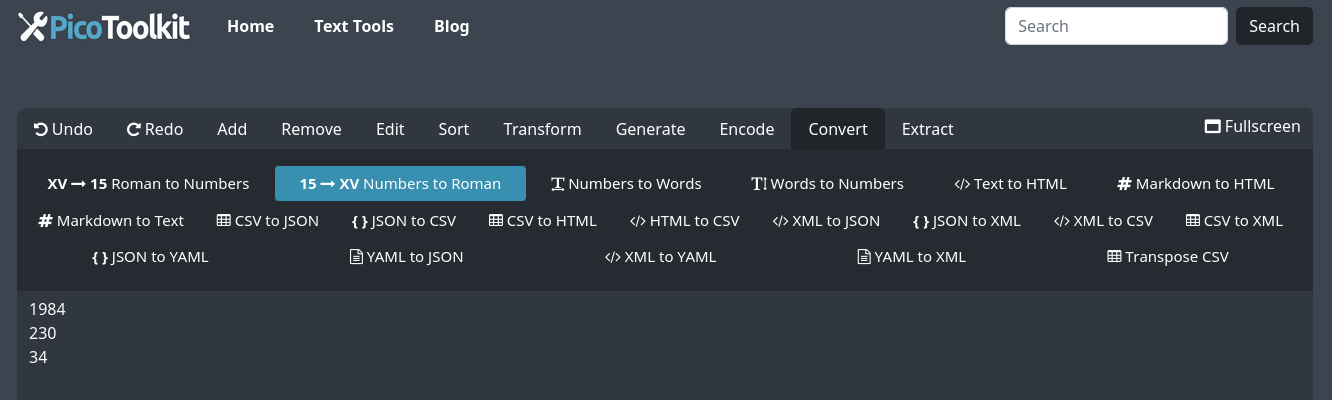
- Enter the integer you want to convert (or paste a list of numbers).
- Click Convert → copy the Roman numeral result.
- Note: conversion runs locally in your browser and is limited by browser memory and performance.
Common use cases
- Numbering chapters, sections, or appendices in documents.
- Preparing historical dates, inscriptions, or themed invitations.
- Educational exercises for learning Roman numeral rules.
- Converting numeric datasets for display or formatting tasks.
Examples
Basic examples (copyable):
1  → I
4  → IV
9  → IX
44 → XLIV
2024 → MMXXIV
3999 → MMMCMXCIX
Large numbers use overline / vinculum notation (bar over a character multiplies by 1,000). Example renderings using combining overline:
5000   → V̄
10000  → X̄
50000  → L̄
100000 → C̄
4000000 → ĪV̄ (example of combined overline forms)
Multi-value example (convert several integers at once):
Input:
3
14
1999
2024
5000

Output:
III
XIV
MCMXCIX
MMXXIV
V̄
Rules & limits
- Roman numerals are defined for positive integers. There is no standard Roman numeral for zero; use a word like "zero" if required.
- Negative numbers and non-integers are not part of classical Roman notation—convert the integer part or provide contextual text instead.
- Large numbers are rendered with an overline (vinculum) to indicate multiplication by 1,000; the converter uses overline notation for values above traditional limits.
- Input encoding: use UTF-8 to ensure correct display of overline characters and symbols.
Tips & edge cases
- If you paste several lines, each line will be converted independently.
- For legacy systems that don't support overline characters, consider a textual format (e.g., "5,000 = V̄") or use an alternate representation.
- Verify very large conversions visually — some systems may not render combining overlines consistently.
- If conversion fails for non-numeric input, remove non-digit characters and try again.
Similar tools
- Roman Numerals to Numbers Converter: Converts Roman numerals back into Arabic numbers, assisting in understanding and interpreting historical dates and numeric data.
- Words to Numbers: Turn textual representation of a number into a decimal number.
- Numbers to Words: Automate the tedious task to rewriting numbers into words.
Related tools
FAQ
Can I convert zero or negative numbers?
Classical Roman numerals do not include a symbol for zero. Negative numbers are not representable in the standard Roman system. For those cases use text (e.g., "zero" or a signed value) rather than Roman numerals.
What about decimals or fractions?
Roman numerals represent integers. For decimals, convert the integer portion or express the value in words or another numeric format.
How are very large numbers shown?
Large values are written using an overline (vinculum) to indicate multiplication by 1,000 (for example, V̄ = 5,000). PicoToolkit's converter uses overline notation for numbers above the traditional 3,999 limit.
Can I convert multiple numbers at once?
Yes — paste one number per line and the tool will convert each line independently into its Roman equivalent.