
Create eye-catching banners in minutes.
PicoToolkit Banner Editor lets you design polished promo graphics for your shop, ads and newsletters — completely free, right in your browser, with no account or credit card required.
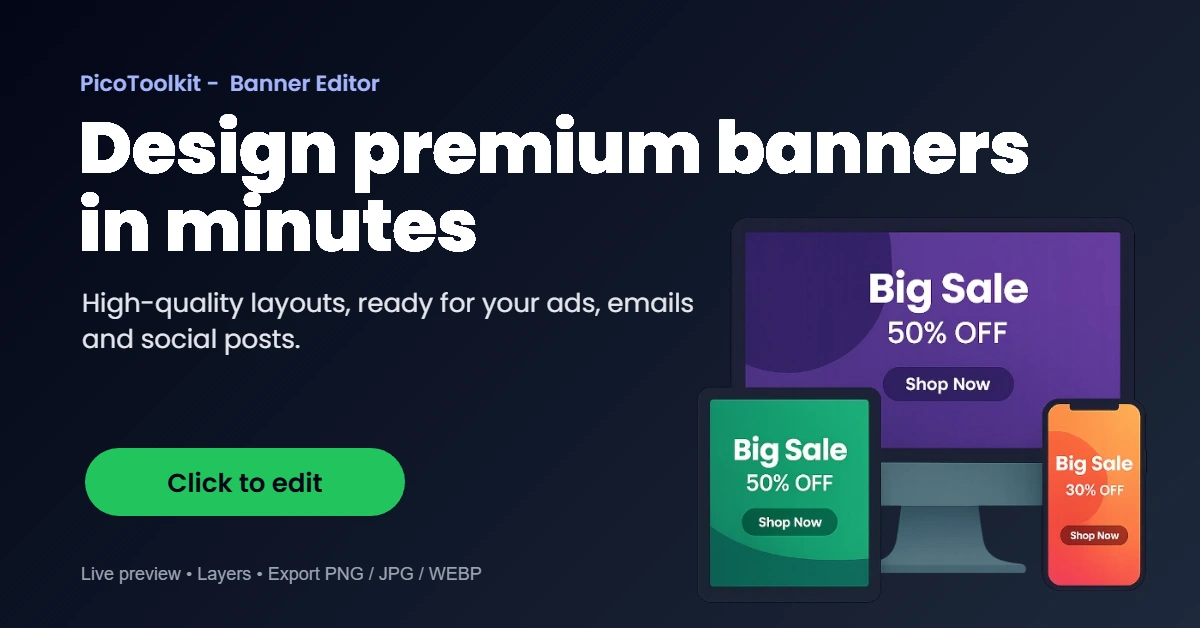
Examples of banners you can build in minutes
Start from an empty canvas or load one of these layouts, customize the text, colors and images, then download a ready-to-publish banner for your homepage, campaign or newsletter.


Why marketers and store owners like this editor
Free, no login and no watermarks
Open the editor and start designing right away. All features are available without registering. Export clean, high-quality images without watermarks, hidden fees or trial periods.
Built for e-commerce campaigns
Promote discounts, seasonal sales, new arrivals and special bundles. Add CTAs, price tags, badges and product shots that match your store’s branding and messaging.
Full control over the design
Adjust sizes, gradients, fonts, icons, button styles and shadows. Move layers freely, duplicate banners, and fine-tune every detail without opening heavy design software.
Turn ideas into ready-to-use graphics in just a few clicks.
The editor is designed to be lightweight and focused. You don’t need Photoshop or a designer to publish a banner for today’s campaign. Open the template, change a few lines of text, adjust the colors and you’re done.
Perfect when you regularly update prices, rotate promotions or test different versions of the same banner across your homepage, newsletter and ad platforms.
- Runs in the browser, no install
- Undo / redo and history of changes
- Multiple banners in one project
- Text effects: shadows, strokes, badges
- Font Awesome icons ready to use
- Easy export to PNG/JPG for your site
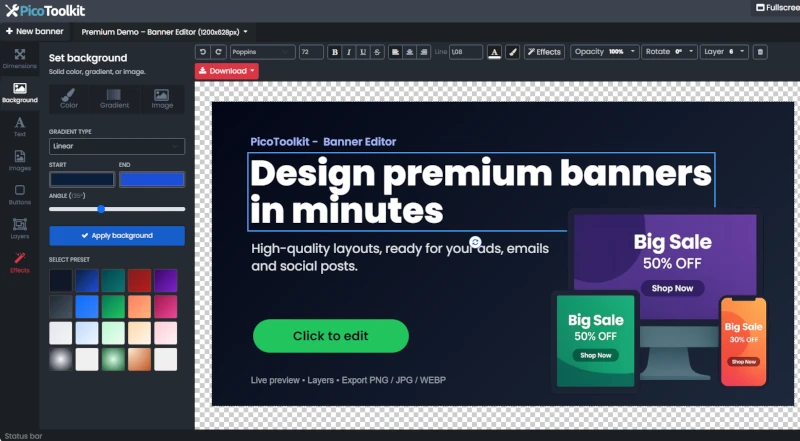
How it works
Choose a size or template
Pick a popular banner size or load one of the ready-made designs shown above.
Customize the content
Edit texts, swap images, tweak colors, fonts and call-to-action buttons until everything fits your campaign.
Download and publish
Export the finished banner and upload it to your store, blog, email tool or advertising platform.
Frequently asked questions
Is the editor really free?
Yes. You can use it as often as you like with no login, no watermark on exports and no paid upgrade required to access core features.
Do I need any design skills?
Not at all. The editor focuses on simple controls and clean templates. You can start from existing layouts and only adjust the parts you need for your campaign.
Where can I use the banners?
Anywhere you can upload an image: shop homepage, category pages, blog posts, newsletters, social posts or advertising platforms such as Facebook or Google.
Will my projects be saved?
Projects are stored locally in your browser so you can come back, tweak a banner and export a new version. For important campaigns, we recommend downloading backups of your final graphics as well.